 Pubshr Team
Instagram ad creative examples are more useful as structures than as screenshots of someone else’s winning ad. Auction costs (see Instagram ads cost) punish slow intros and hard-sell openers that look nothing like the surrounding Reels. The first three seconds, the on-screen line, and whether the ad looks native or like a TV spot decide whether you pay for a view that continues.
This guide covers Reels ad structure, Stories ads, hooks, captions versus Ads Manager primary text, social proof, and example beats by offer type (lead, product, app). It is not an organic Reels playbook — that lives in Instagram Reels strategy. Pubshr can draft scripts, captions and faceless video; you export the file and upload it to Ads Manager yourself. We do not run Meta Ads.
Key takeaways
- →Win or lose in the first 3 seconds: motion, a visible result, or a specific on-screen line — sound off.
- →Native-looking UGC usually beats a polished hard-sell on Instagram, especially in Reels placements.
- →Write primary text for Ads Manager and a caption for the post as two jobs; they are not the same field.
- →Match the structure to the offer: lead (problem → proof → form), product (demo → objection → CTA), app (job-to-be-done → screen → install).
- →Draft in Pubshr, export, upload to Ads Manager — Pubshr is not a media buyer.
Native vs sell
Native-looking ads versus hard-sell
A native Instagram ad is allowed to be an ad, but it should not look like it escaped from a banner network. It uses the same vertical frame, captions on screen, a person or a pair of hands, and a hook that could have been an organic Reel. A hard-sell opener (“50% OFF TODAY ONLY” on a logo card) is easy to produce and easy for the thumb to classify as skippable inventory.
Hard-sell still has a job: retargeting, clear price drops, catalogue carousels. For cold Reels traffic, start native. If a UGC-style cut cannot state the offer by second five, you do not have a subtle ad — you have a confused one.
Native cues
Handheld or simple lighting, captions baked in, jump cuts, a face or a demo in frame one, music that could pass on an organic Reel (watch commercial-audio rules).
Hard-sell cues
Logo first, studio voiceover, price stings, long end cards. Use later in the funnel or as a variant, not as the only cold creative.
UGC-style
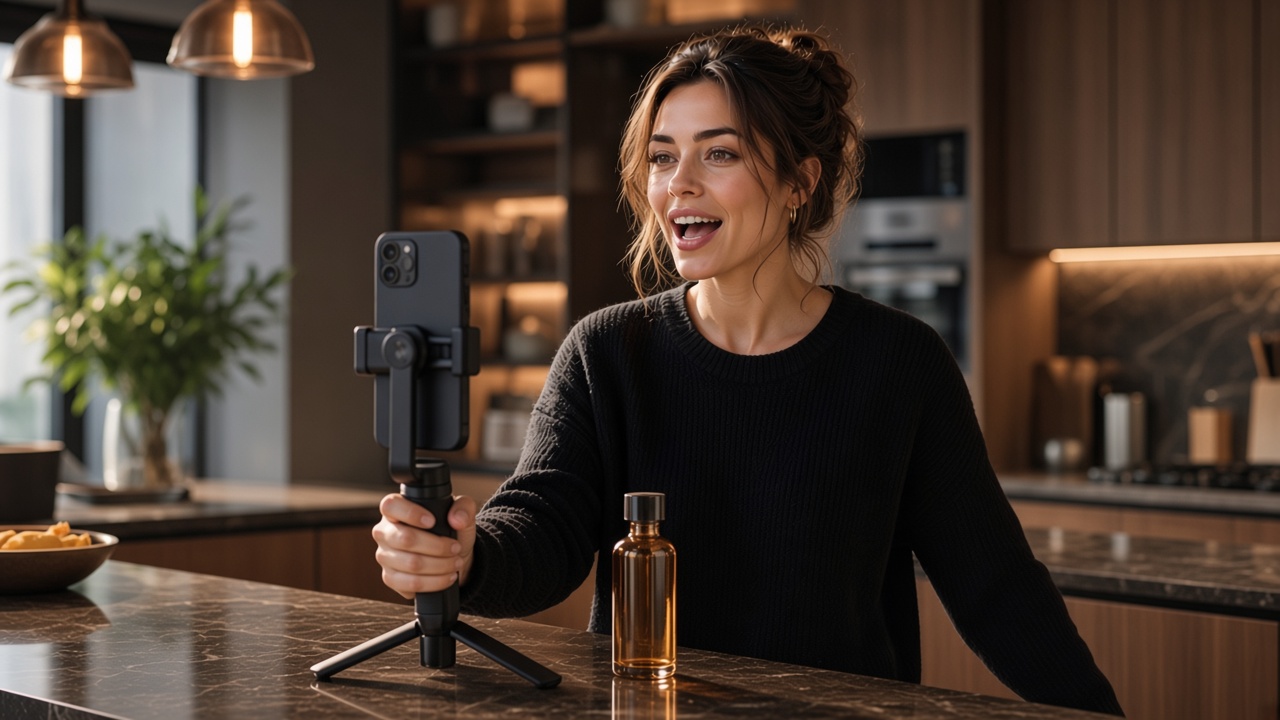
A creator or customer talking to camera, “I was sceptical until…”, showing the product in a kitchen or a desk, not a seamless studio. Permission and disclosure still apply.
When polished wins
App walkthroughs, fashion lookbooks, and products where craft is the pitch. Polished is not the same as slow: hook still in three seconds.
Reels ads
Reels ad structure and the first three seconds
Reels ads compete with Reels, not with search ads. The viewer did not query a problem; they were mid-scroll. Your structure has to earn the rest of the 15–30 seconds, then earn the click. For hook formulas you can steal for the opening line, see viral hooks that work. For a full organic cadence, go to the Reels strategy article instead of duplicating it here.
0–3 seconds — hook
Show the result, the mistake, or the specific person it is for. On-screen text must be readable without sound. Do not fade in from a logo.
3–8 seconds — setup
Name the problem in one sentence. “If you run ads and cannot tell which Reel sent the lead, this is the missing tag.”
8–20 seconds — proof or demo
Hands on the product, a screen recording, a customer line, a before/after. One proof, not a feature tour.
Last 3–5 seconds — CTA
Say the next step out loud and on screen: “Get the checklist”, “Shop the kit”, “Try the free plan”. Match the Ads Manager destination.
Safe zone: keep on-screen copy away from the right-side buttons and the bottom CTA bar. A perfect hook that sits under the username is a hook nobody reads.
Stories
Stories ads: one idea, full screen, fast CTA
Stories ads are 9:16, full screen, and usually shorter in attention even when the file is 15 seconds. People tap through. Design for a first-frame stop, then a second frame that is the offer, then a tap on the CTA bar. Do not recycle a 30-second Reels ad by letterboxing it.
Because Stories feel like messages from accounts you already know, UGC and simple product-in-hand shots tend to outperform cinematic brand films. If you use a sequence (three Stories as one ad), each card should stand alone — many people will see only the first.
Stories ad checklist
- →Frame one works as a still: if someone screenshots it, the offer is still obvious.
- →High contrast captions; assume sound off.
- →One CTA: swipe / “Learn more” / “Shop now” — not three URLs.
- →Light branding: a small wordmark after the hook, not a 2-second bumper.
- →If you show a UI, zoom the one button you want them to notice.
Copy fields
Captions versus primary text
In Ads Manager you write primary text (the line above the creative in Feed, and the text Meta can show with Reels/Stories depending on placement). The Instagram caption is what appears if you use an existing post or fill the post caption field. They can match; they should not be a 2,000-character dump either way.
| Field | Job | Practical length |
|---|---|---|
| On-screen text | Hook and CTA for sound-off viewers | A few short lines; largest type in the first 3 seconds |
| Primary text | Context in Feed; sometimes shown with Reels/Stories | 1–3 short sentences; first line must work if truncated |
| Caption | Extra context, hashtags, mentions on the post object | Useful when boosting a real post; still lead with the hook |
| Headline (if used) | The line next to the CTA in some placements | Offer or destination: “Free 14-day plan”, not a slogan |
| CTA button | The action in Ads Manager | Match the landing page; “Learn more” for a blog is honest, “Shop now” for a blog is not |
Do not stuff the primary text with the URL. The button carries the click. If you need UTMs, they go on the destination URL in Ads Manager — details in track Instagram traffic with UTM.
By offer
Example structures by offer type
Steal the beats, not the niche wording. Each row is a Reels-length skeleton you can script in AI scripts for short social videos and, if you are not on camera, shoot as a faceless video.
| Offer | Hook (0–3s) | Middle | Close / CTA |
|---|---|---|---|
| Lead (checklist, webinar, demo) | “Stop guessing your Instagram CPM from follower count.” | One mistake, one formula on screen, a real (anonymised) number | “Get the one-page brief — link in the button.” |
| Physical product | Hands drop the finished result on the table, then rewind | Three-second demo of the painful old way vs the product | Price or kit name + “Shop now” with a shipping fact, not hype |
| SaaS / app | Screen recording: the job in one tap, not the homepage | Before (spreadsheet / three apps) → after (one screen) | “Try it on the free plan” — show the first success state, not a feature list |
| Local service | A specific street-level result: “This kitchen, 4 days, no skip hire.” | Two clips of process + one customer sentence | Area you actually serve + “Message” or “Call now” |
| Retargeting / proof | A review screenshot or a packed comments thread (with permission) | One objection answered (“Does it work if…”) | Repeat the same CTA they already saw; do not introduce a new offer |
Social proof belongs in the middle, not as a fake 5-star bumper in frame one. Use a named result, a real comment, a user-count you can defend, or a demo. Invented testimonials are not a creative strategy.
Production
Draft in Pubshr, run the ad in Ads Manager
A practical loop: write three hook variants, generate or film one 15–25 second cut, schedule it organically to Instagram from Pubshr if you want a native-social read, then export the same file into Ads Manager as a Reels or Stories ad. Organic comments you earn before spending are useful social proof — if you boost, keep the Paid partnership / branded-content settings honest.
In Pubshr you can connect a Business or standalone Professional Instagram account, draft AI captions (up to 2,200 characters), generate images, build faceless vertical clips, and schedule feed posts, carousels (up to 10) and Reels. You cannot publish Stories, you cannot launch the campaign, and you cannot set budgets. Upload the creative in Ads Manager yourself. Connect via the Instagram page when you are ready to plan the organic half.
Keep the jobs split: Pubshr is the draft and calendar. Meta Ads Manager is the auction. Mixing those expectations is how teams hunt for an “ads button” that is not there.
Frequently asked questions
What makes a good Instagram ad creative in 2026?
Should Instagram ads look like organic Reels?
What is the difference between primary text and the caption?
Can I use the same creative for Reels ads and Stories ads?
Does Pubshr run Instagram ads for me?
Wrap-up: structure first, spend second
Build every Instagram ad from the same skeleton: three-second hook, one proof, one CTA, native frame. Change the middle by offer type rather than inventing a new genre for each campaign.
Test hooks organically when you can, then buy distribution for the cuts that already hold attention. The auction will not rescue a first second that looks like a banner.
Script the ad before you fund it
Draft Reels scripts, captions and faceless clips in Pubshr, then export and upload to Ads Manager yourself. We do not run Meta campaigns.
Start for freeFree plan, no credit card required