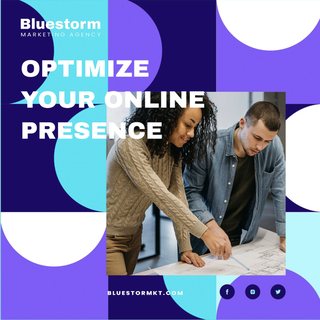
Planning
Batch a week of YouTube uploads in one sitting
Map video posts, titles, and descriptions in a drag-and-drop calendar — then ship on schedule without living in YouTube Studio.
Pubshr turns your ideas into a steady upload cadence — so your channel stays active while you film, edit, and ship the next one.
Step 1 of 3 · ~5 min · no card required
Review your first YouTube upload before it goes live
Map video posts, titles, and descriptions in a drag-and-drop calendar — then ship on schedule without living in YouTube Studio.
 MCP
MCP
Draft titles and descriptions from Claude, ChatGPT, or Cursor — with real YouTube limits via Pubshr MCP.
Set title, description, privacy (public / unlisted / private), and made-for-kids — then approve what Pubshr will send to the YouTube Data API.
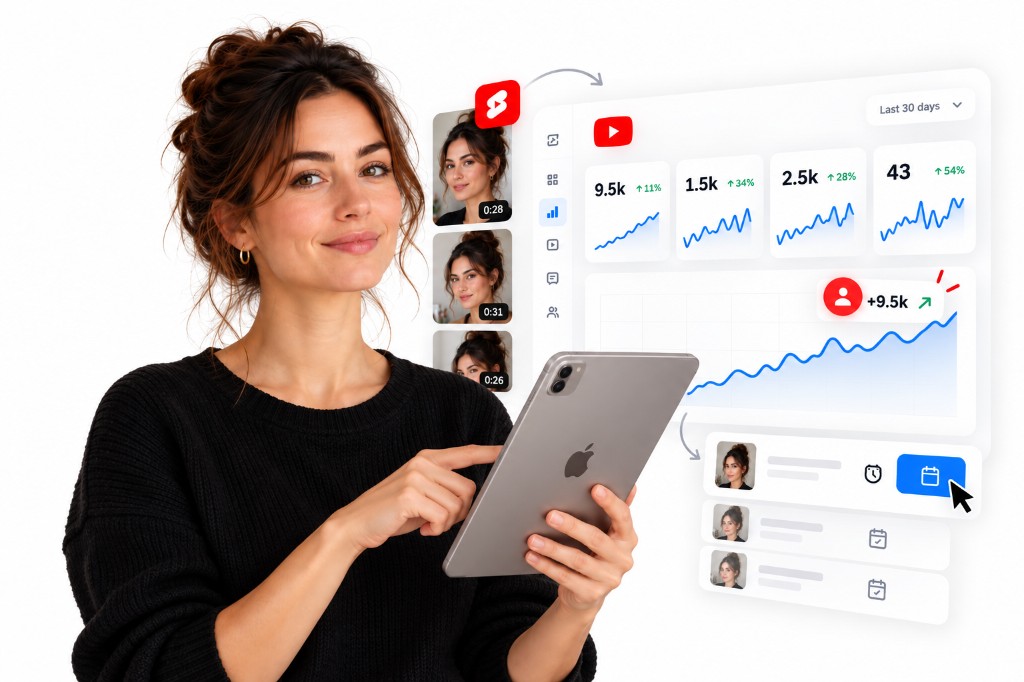
Track channel and video signals so you double down on uploads that grow subscribers and watch time — when analytics access is enabled.
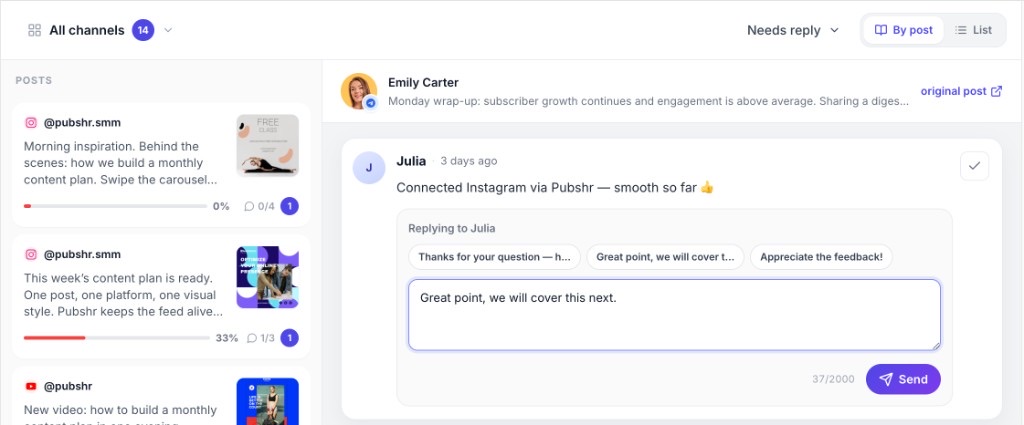
Triage video threads, pick an AI-suggested reply, and send — so viewer conversations don’t sit unanswered.
Not a feature list. The month your channel actually stays consistent — without turning uploads into a second job.
You connect YouTube tonight, set your niche and voice, and approve a first batch of video posts with titles and descriptions that sound like you. Nothing publishes until you say yes.
A week of uploads is already on the calendar. Pubshr publishes to your channel on schedule — while you’re filming or cutting, not fighting the upload button at midnight.
Viewer threads land in one inbox. You pick a reply — or an AI suggestion — and send it. Conversations that grow the channel don’t sit unanswered.
A month of presence built from your content plan — not from babysitting every publish. Viewers saw you show up. You approved. Then you went back to creating.
Cadence
A channel that keeps publishing
You approve
Nothing ships without your ok
30 days
A month of uploads — not “someday”
Minutes
Approve drafts. Don’t babysit every upload.
That’s the difference between intending to upload and actually shipping on schedule. Start free — the first video goes live only after you approve it.
Start the next 30 daysSchedulers wait for content you already wrote. Pubshr generates the plan and drafts.
YouTube-only tools stop at one network. Pubshr includes Telegram and more.
Draft and schedule from Claude or Cursor with real YouTube limits via Pubshr MCP.
Explore Pubshr MCPNo card on Free. Paid plans include a 14-day trial so you can judge post quality before you commit.
Start with Free — 25 AI posts/mo that reset automatically. Need more volume — upgrade anytime.
AI strategy · Official API · Cross-post to Telegram
Get started for freeAI social studio for YouTube, Telegram, and more